AI Image Enhancer Free Online
Try AI image enhancer free online to sharpen details, improve faces, upscale resolution, and make photos look cleaner in seconds.
Powered by the Phota Enhance model (fal-ai/phota/enhance) for face and photo enhancement. Upload a portrait, product photo, old picture, screenshot, or low-resolution image when you need a clearer result without manual retouching.
What is an AI image enhancer?
An AI photo enhancer is an online tool that improves photo quality automatically. It can sharpen soft details, unblur mild blur, upscale low-resolution images, reduce noise, restore old photos, and make everyday pictures look clearer without manual editing.
See what an AI photo enhancer can fix
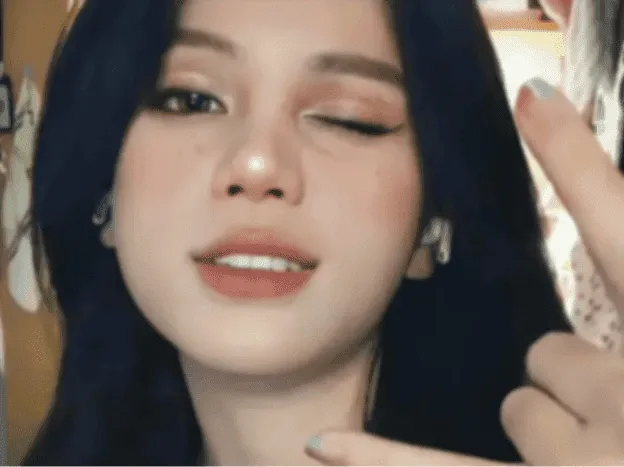
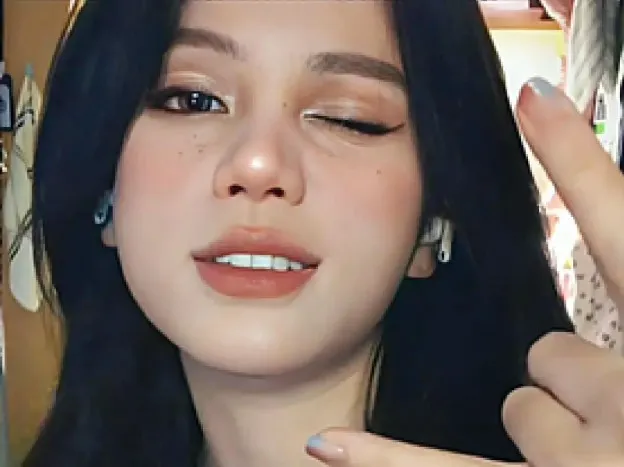
Blurry portrait
Best for selfies, profile pictures, and soft-focus portraits. This AI photo enhancer improves facial detail, eye clarity, hair edges, and skin texture while keeping the result natural instead of over-sharpened. Use the slider to compare the original image with the enhanced result and see how clarity, edges, and detail improve without making the image look artificial.
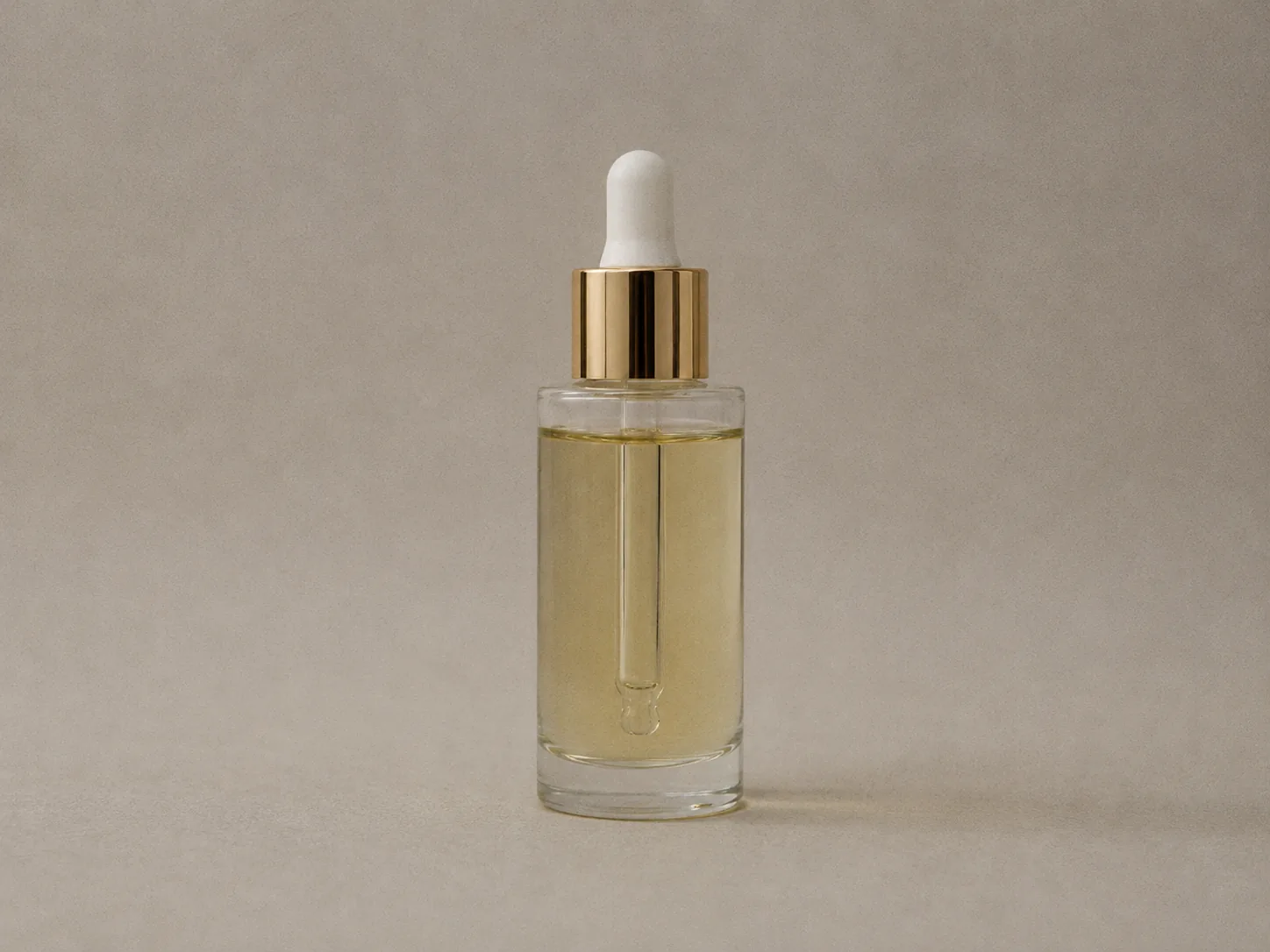
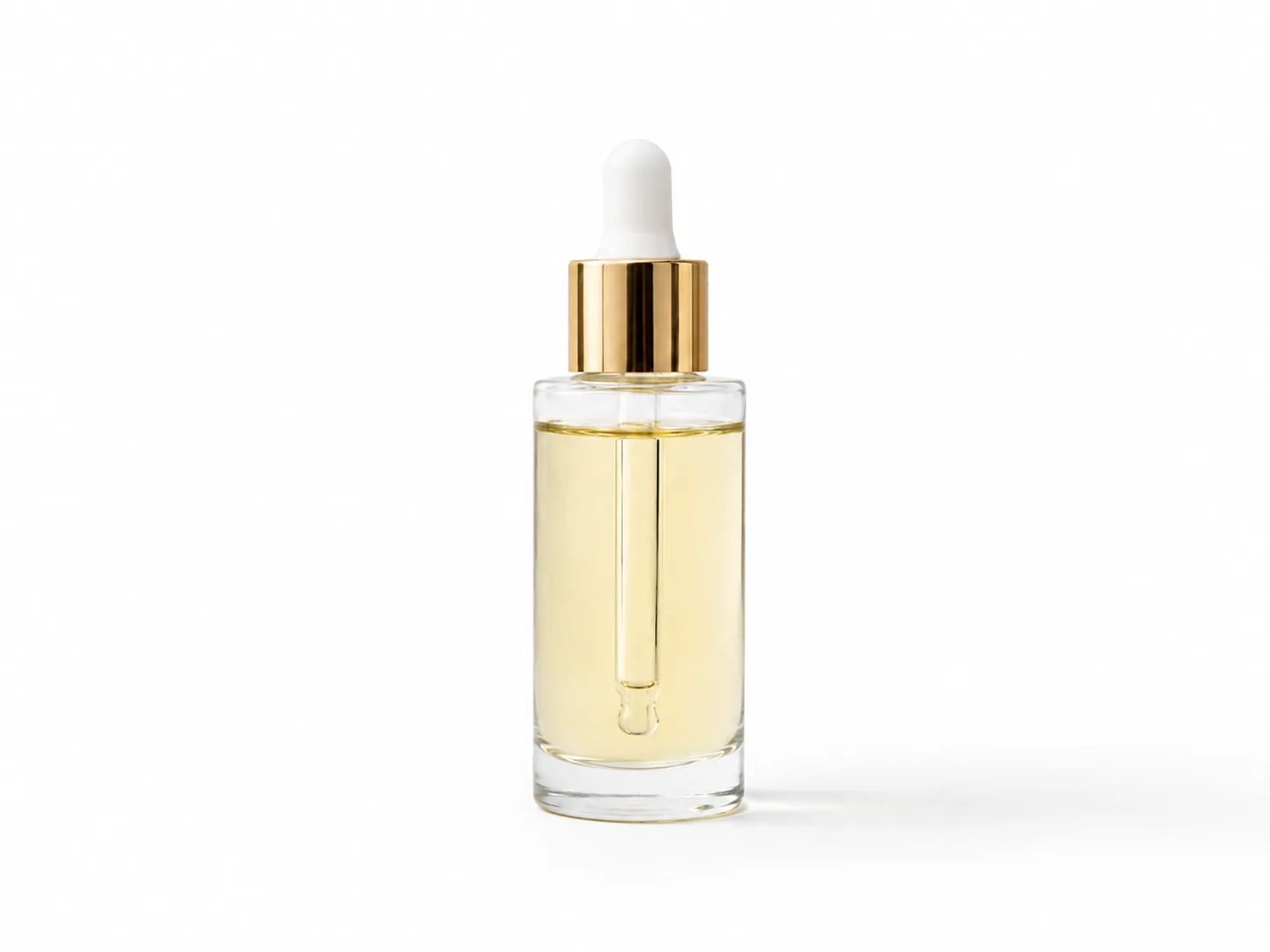
Product photo
Useful for ecommerce images, marketplace listings, ads, packaging shots, and small product details. The enhancer sharpens edges, improves contrast, and makes product photos look cleaner before publishing online. Use the slider to compare the original image with the enhanced result and see how clarity, edges, and detail improve without making the image look artificial.
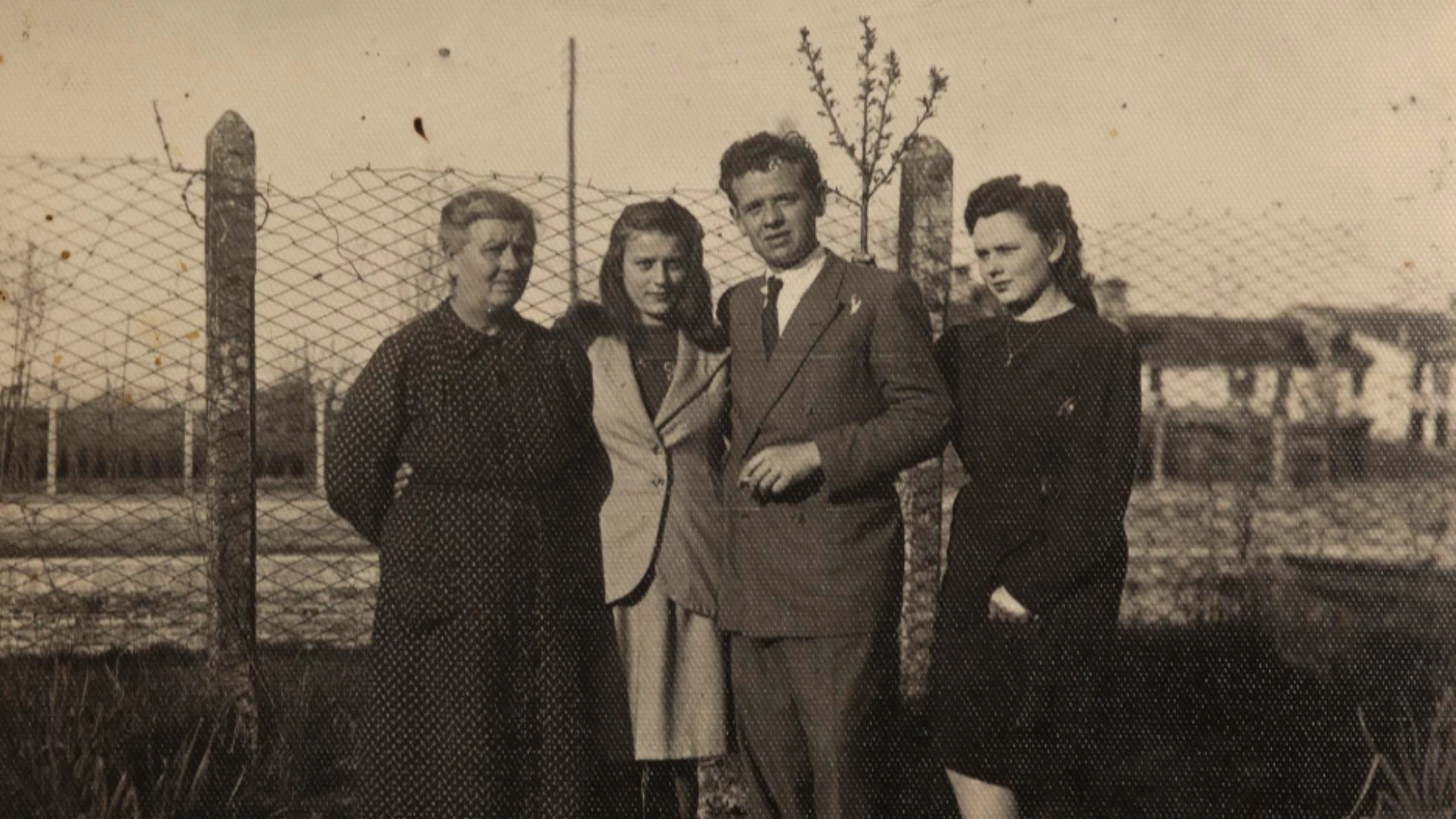
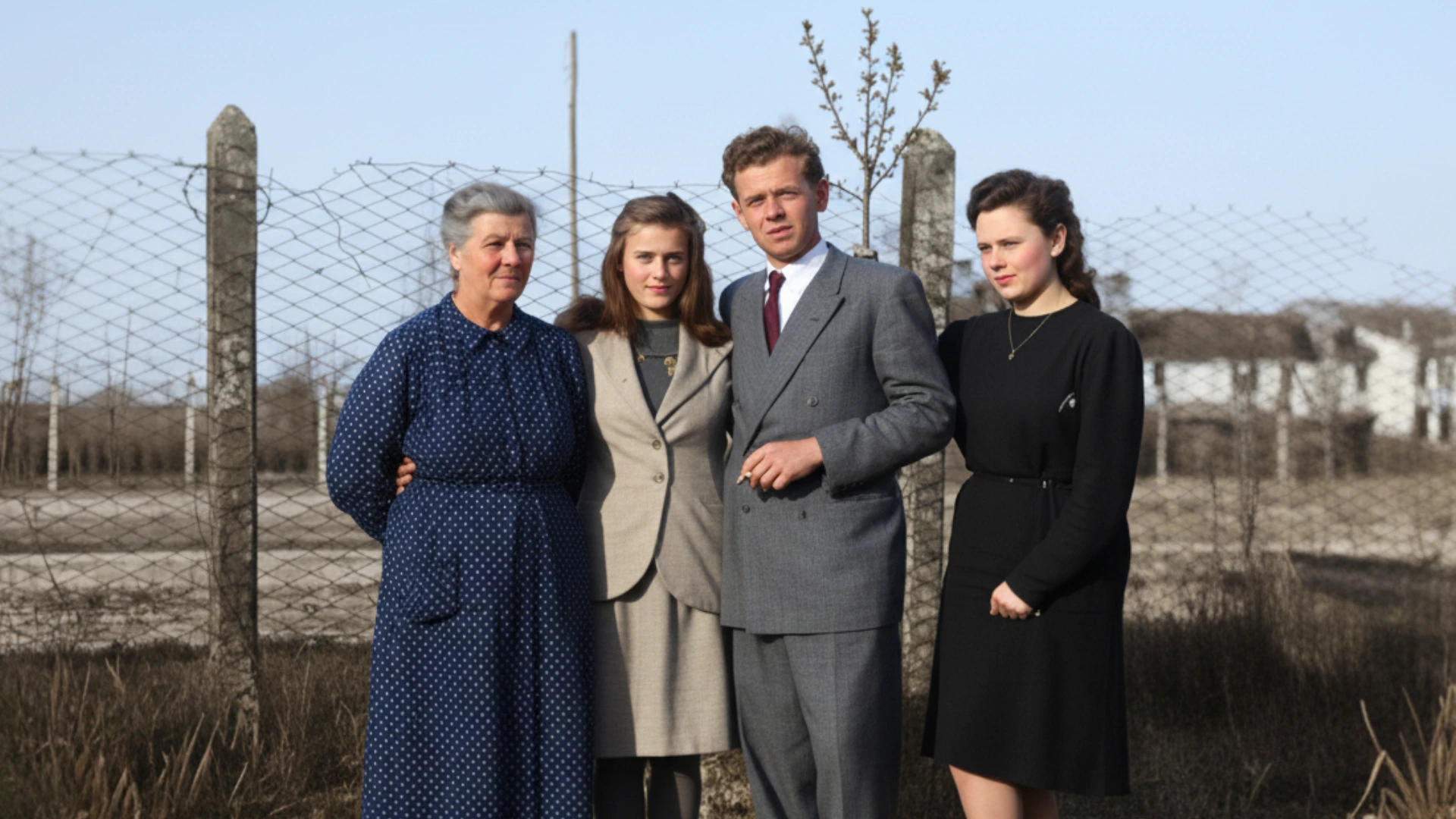
Old photo
Restore old photos, faded family pictures, and low-quality scanned images with clearer texture and stronger detail. The goal is to improve the photo while preserving the original look and memory. Use the slider to compare the original image with the enhanced result and see how clarity, edges, and detail improve without making the image look artificial.
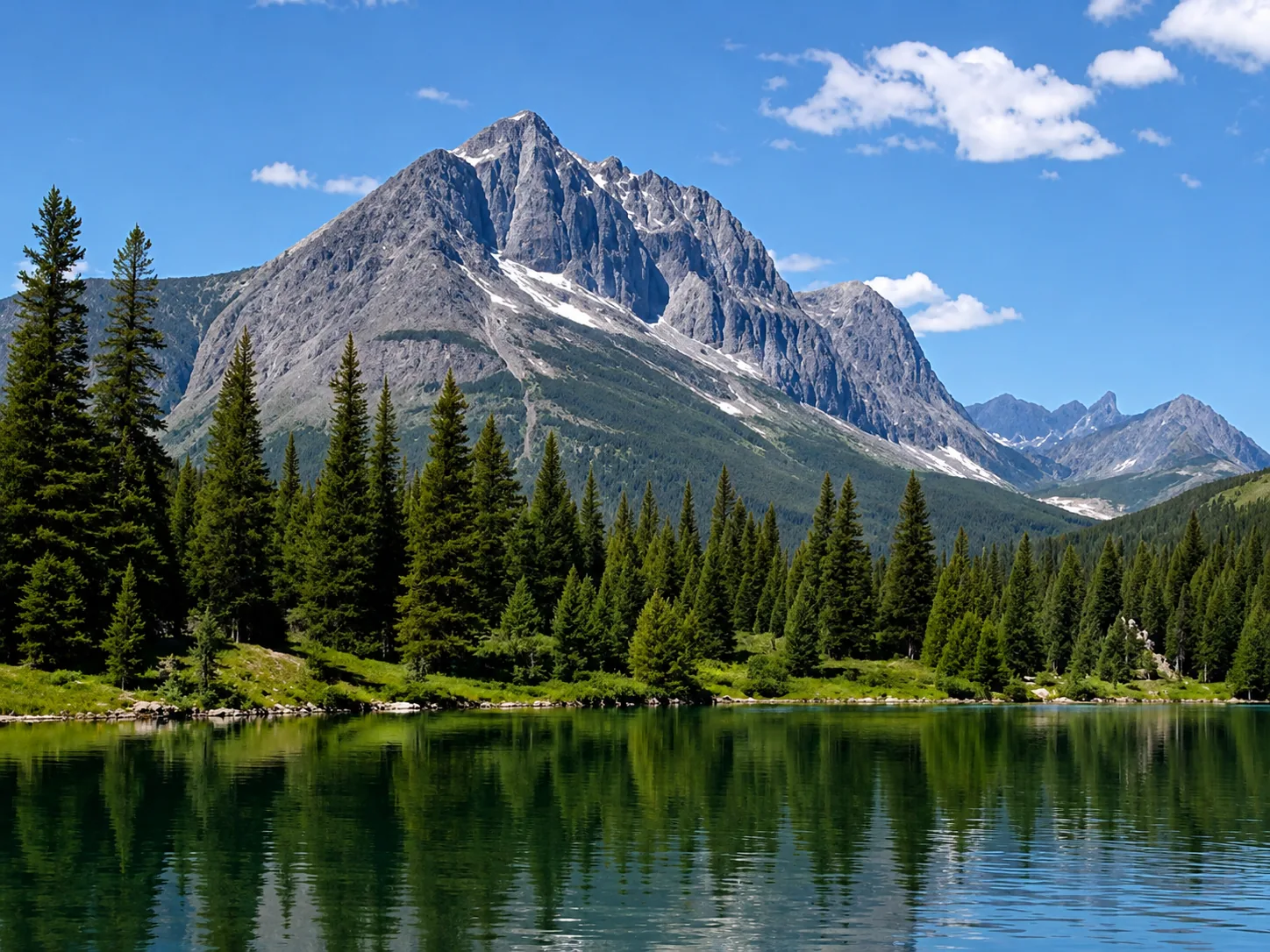
Low-resolution image
Upscale low-resolution files, compressed images, and small web graphics when you need a larger, clearer result. The image enhancer helps recover cleaner edges and more usable detail for sharing or printing. Use the slider to compare the original image with the enhanced result and see how clarity, edges, and detail improve without making the image look artificial.
Image enhancer vs upscaler vs unblur tool
Different image enhancement tasks need different workflows. This quick comparison helps you choose the right AI enhancement mode for your photo.
Which tool should you use first?
Start with the problem you see in the image: use enhancer for overall quality, upscaler for size, and unblur when the subject is visibly soft or shaky.
What an AI image enhancer improves
This image enhancer helps fix blur, noise, low resolution, weak edges, and old photo damage in one simple online workflow.
How to use an AI image enhancer
Use the image enhancer online in three quick steps: upload, enhance, and download a clearer result.
Where AI image enhancement helps most
Online AI photo enhancement is useful for portraits, product photos, old memories, listing images, print assets, and everyday low-quality visuals.
Tips for the best image enhancement results
A good source image gives the AI more useful detail to work with. Follow these simple tips before uploading your photo.
Private and secure AI image enhancement
Your uploaded images are processed securely, are not published publicly, and are not placed in a public gallery. ImgEnhancer is designed for private online image enhancement for portraits, product photos, old pictures, and everyday files.
Supported formats: JPG, PNG, WebP up to 10 MB
AI image enhancer FAQ
Get quick answers about how ImgEnhancer works, when it can fix blur, and what to expect from upscaling, sharpening, and private processing.
AI image enhancer free is an online image enhancer that improves image quality by making photos clearer, sharper, and higher resolution. It can also help reduce noise, fix blur, and improve visible details.
Upload your image, let the online image enhancer process it automatically, then preview and download the enhanced result.
Yes. An AI image enhancer can improve many blurry photos by sharpening visible details and enhancing clarity. Very heavily blurred images may have limited recovery.
Yes. This image enhancer can increase image resolution to create a larger and clearer version of your image.
Yes. You can try the image enhancer before paying for any advanced features or plans.
The image enhancer supports JPG, PNG, and WebP.
Create a free account to get one free image enhancement. No credit card is required.
Uploaded images are processed securely and are not shared publicly.
Upload a JPG, PNG, or WebP image, let the tool improve clarity, sharpness, resolution, and noise, then preview and download the enhanced result online.
An image enhancer improves overall image quality, including clarity, sharpness, noise, and detail. An image upscaler focuses mainly on increasing image resolution and making a small image larger.
AI can improve many old, faded, blurry, or low-resolution photos by recovering visible detail and cleaning up softness. Heavily damaged or missing parts may still have limited recovery.
Yes. The AI enhancer can sharpen product edges, packaging text, texture, and contrast so ecommerce images look cleaner for product pages, ads, and marketplace listings.
ImgEnhancer aims to improve clarity and detail while keeping photos natural. Very low-quality sources can still show AI artifacts, so starting with the best original image helps.
The best results usually come from portraits, product photos, old photos, low-resolution images, screenshots, and compressed images that still have visible subjects, edges, or texture.
Need a deeper AI image enhancer walkthrough? Read the AI image enhancer guide or jump to the image upscaler and unblur image tools for more focused image enhancer workflows.