AI Unblur Image Online
Powered by the NAFNet Deblur model (fal-ai/nafnet/deblur). Use it for portraits, product shots, old photos, screenshots, and low-light images that need clearer visible detail.
How to use an unblur image tool
Use the unblur image workflow online in three simple steps to sharpen blur and recover clearer detail.
Where an unblur image tool works best
An unblur image workflow works best when the photo still has visible subjects, edges, or faces that AI can enhance.
Blurry portraits and selfies
Old family photos
Product photos with soft focus
Social media images
Screenshots and design references
Low-light photos with lost detail
See AI blur removal before and after
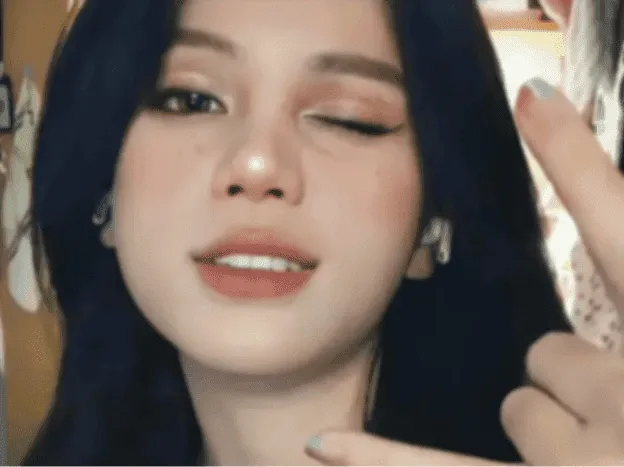
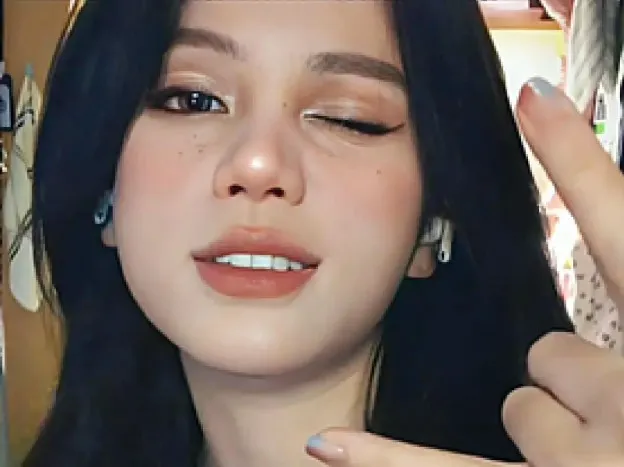
Blurry portrait
Best for selfies, profile pictures, and soft-focus portraits. This AI photo enhancer improves facial detail, eye clarity, hair edges, and skin texture while keeping the result natural instead of over-sharpened. Use the slider to compare the original image with the enhanced result and see how clarity, edges, and detail improve without making the image look artificial.
Why use an online blur removal tool?
A focused online blur removal workflow for clearer photos without complicated editing tools.
Unblur image FAQ
Get quick answers about online blur removal, what kinds of blur it can fix, and what to expect from a clearer result.
Learn when enhancement and blur removal work best in the AI image enhancement guide Need a broader image enhancer workflow? Try the AI image enhancer homepage or switch to the AI image upscaler when you need a larger, higher-resolution result.