Resolution Upscaler
Increase Image Resolution Online
Turn low-resolution images into clearer high-res files. This AI workflow enlarges dimensions, rebuilds edges, and helps you make a picture HD without desktop software.
Powered by the AuraSR model (fal-ai/aura-sr) for image super-resolution. Use it when you need to increase image resolution for product zooms, print previews, social posts, or archived low-res files.
How to increase image resolution
Improve image quality and enlarge a low-resolution file in three online steps.
How to go from low resolution to high resolution
Increasing image resolution used to mean stretching pixels until edges looked blocky. Modern AI super-resolution estimates plausible detail while enlarging, which is why searches like increase image resolution, improve image quality, low resolution to high resolution, and make picture HD all map to this tool. ImgEnhancer uses AuraSR to raise pixel dimensions and recover cleaner edges on photos that still contain a recognizable subject. That does not mean inventing a brand-new photograph from a few pixels. If a face is only a few dozen pixels wide, the upscaled face can look smoother but not perfectly photographic. The practical goal is a more usable HD-class file for zoom, crop, or display—especially when the original is a compressed web image or an old export. Pair with the photo enhancer when colors and faces need cleanup after enlargement.
When increasing resolution helps most
Use this tool when the photo is too small or soft for the destination size but still shows a clear subject.
Marketplace product zooms
Social media and thumbnails
Print and flyer proofs
Archived low-res photos
Design mockups
Profile and avatar crops
See low-res to high-res before and after
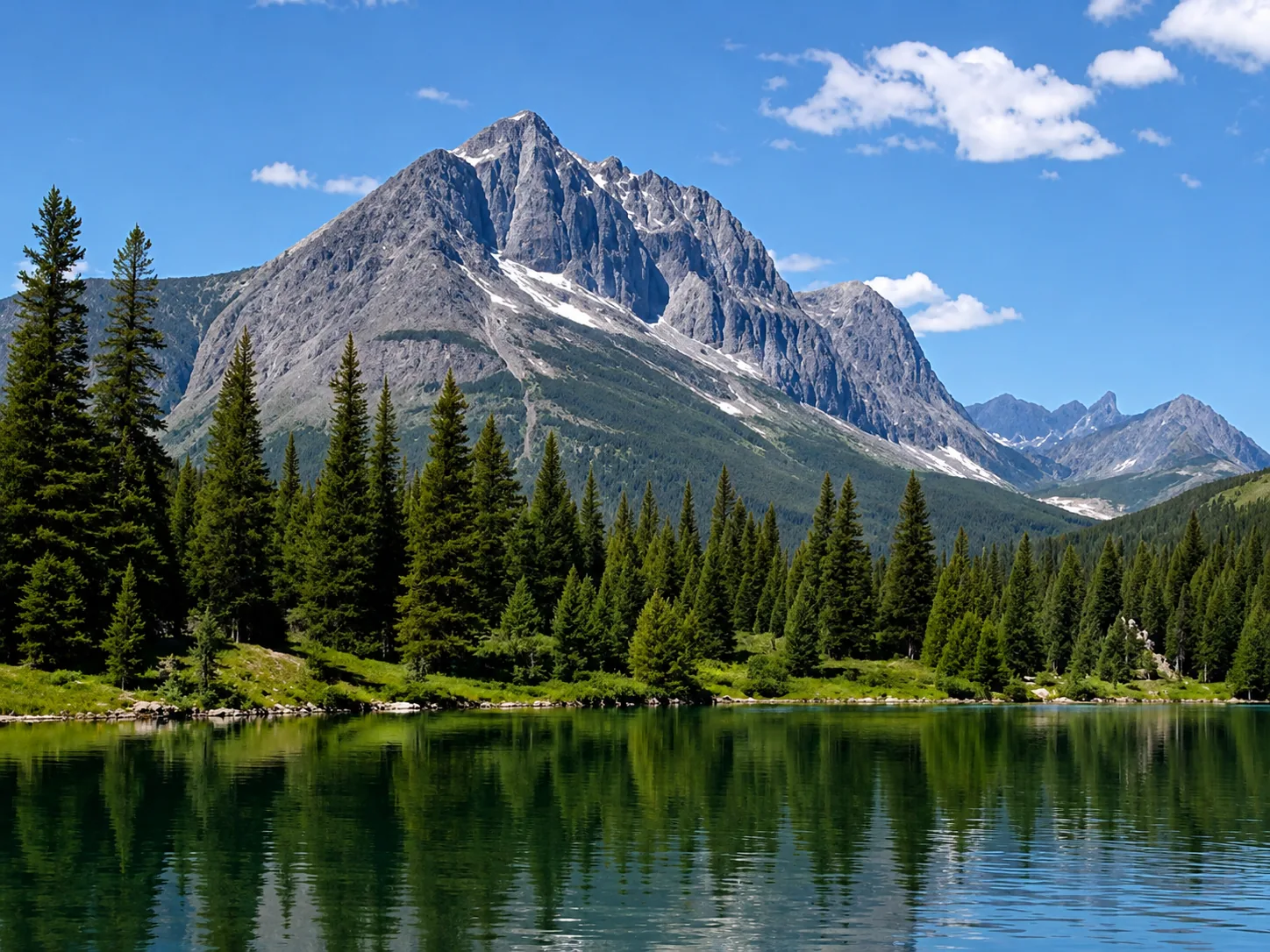
Low-resolution image
Upscale low-resolution files, compressed images, and small web graphics when you need a larger, clearer result. The image enhancer helps recover cleaner edges and more usable detail for sharing or printing. Use the slider to compare the original image with the enhanced result and see how clarity, edges, and detail improve without making the image look artificial.
Resolution tools compared
Choose increase-resolution, general upscaler, or 4K upscale based on your target size.
Which resolution tool should you use?
All three reuse AuraSR; the landing pages differ by search intent and guidance.
Tips to improve image quality while upscaling
Better inputs produce more convincing high-resolution outputs.
Practical AI resolution upgrades
Enlarge privately online—your file is not posted to a public gallery.
Supported formats
Why increase resolution online?
A fast AI path from low resolution to a more usable high-res file.
Increase image resolution FAQ
Common questions about improving image quality and turning low-res photos into clearer HD files.
Read more in the AI image enhancement guide and related tools: Visit the AI image enhancer or continue with the AI image upscaler, 4K image upscaler when you need general or 4K-focused enlargement.