4K Image Upscaler

Upscale Image to 4K Online

Need a 4K image upscaler? Enlarge photos toward 4K-class clarity with AI super-resolution. Upload a low-res file, upscale, and download a sharper result for screens or print checks.

Powered by the AuraSR model (fal-ai/aura-sr). Paid credit packages unlock up to 4K output on ImgEnhancer when the source supports it. Free usage includes 2K-class results for many images.

Upload your image

Drag and drop, paste, or choose a file

Supports JPG, PNG, and WebP up to 10 MB

Sign up and get 25 free credits, enough for 1 free enhancement. No credit card required.

How to upscale an image to 4K

Use this AI 4K image upscaler workflow in three steps to enlarge a photo toward higher resolution.

1

Upload your image

Start with the largest clean JPG, PNG, or WebP source you have.
2

Run AI 4K upscaling

AuraSR enlarges the image and rebuilds detail for a higher-resolution output.
3

Download the upscaled file

Preview at full size, then save the result for displays, zooms, or proofs.

What “upscale image to 4K” means in practice

People searching for upscale image to 4K, 4K image upscaler, or image to HD usually want a file that looks crisp on large screens or when zoomed. True 4K is about 3840×2160 for landscape video frames; photos have many aspect ratios, so “4K upscale” often means reaching a similar long-edge class rather than forcing an exact cinema frame. ImgEnhancer uses AuraSR to enlarge images and recover detail. Paid packages unlock up to 4K output when the source allows; free runs still produce clearer 2K-class results for many photos. A sharp original upscales more convincingly than a soft, tiny thumbnail. If your photo is already near 4K but looks soft, use the photo enhancer instead of pushing more pixels. If you mainly need “a bit larger,” the general image upscaler or increase-resolution page may be enough.

4K image upscaler vs simple HD enlarge

HD and 4K are display classes, not magic quality switches. Upscaling to a 4K-class canvas helps when you need more pixels for a TV slideshow, a large hero image, or a zoomable product viewer. AI estimates textures while enlarging, which usually looks better than stretching in a basic editor. Still, output quality tracks input quality—garbage in remains limited.

When 4K upscaling is the right choice

Choose this page when your search intent is explicitly 4K or when you know your destination is a large display. Choose increase-image-resolution when you are describing the problem as “low res to high res.” Both share the same AuraSR capability; the guidance and keywords differ so each page can answer a distinct question clearly.

Source requirements for convincing 4K results

A 400-pixel-wide face cannot become a perfect studio portrait at 4K. Prefer originals with clear subjects, moderate compression, and enough base detail. After upscaling, optionally run face enhancement on portraits. For motion-blurred shots, unblur first.

Honest product claims

We state what the product supports: AuraSR upscaling, higher ceilings on paid plans including 4K-class output when eligible, and no watermark on downloads. We do not invent aggregate ratings or promise lossless recovery from any file.

Best uses for a 4K image upscaler

Target large displays, zooms, and proofs where extra resolution matters.

Large-screen photo slideshows

Ecommerce zoom galleries

Website hero images

Print proofs and posters

Archived camera exports

Presentation decks

See 4K-oriented upscaling before and after
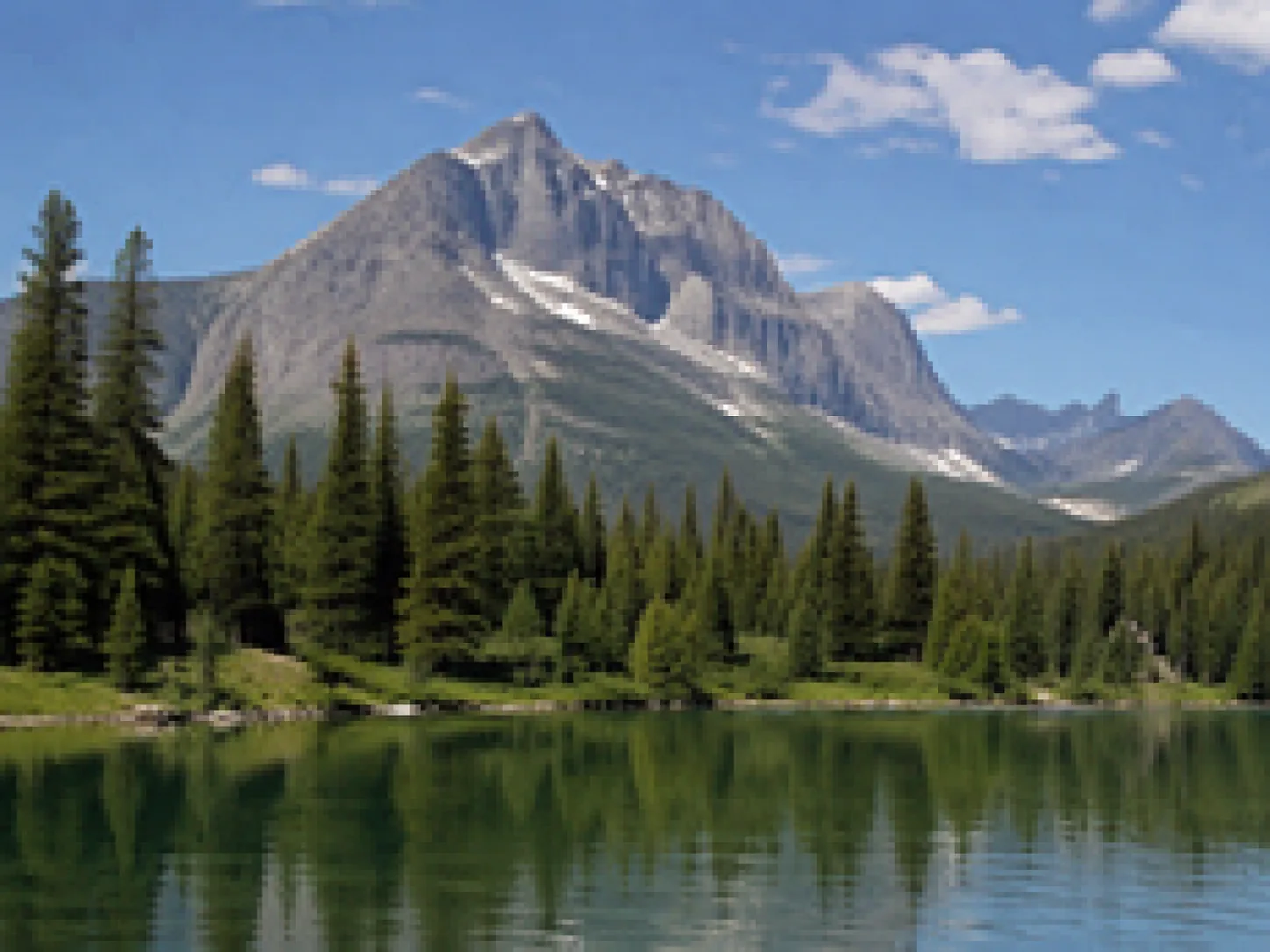
Low-resolution image before enhancement
Low-resolution image after enhancement
||

Low-resolution image

Upscale low-resolution files, compressed images, and small web graphics when you need a larger, clearer result. The image enhancer helps recover cleaner edges and more usable detail for sharing or printing. Use the slider to compare the original image with the enhanced result and see how clarity, edges, and detail improve without making the image look artificial.

4K upscale vs other tools

Match your destination size and quality problem to the right ImgEnhancer page.

4K Image Upscaler

Explicit 4K / large-display intent

Higher-resolution outputs toward 4K

Increase Image Resolution

Low-res to HD wording

Clearer larger files

Image Upscaler

General upscale searches

Enlarged photos with AuraSR

Unblur Image

Blur-first problems

Sharper detail before upscaling

Tips for better 4K upscales

Maximize 4K image upscaler results with cleaner inputs and careful review.

Use the least-compressed master

Re-encoded social downloads lose the detail 4K upscaling needs.

Review at 100% zoom

Judge edges and faces at full size, not only the thumbnail preview.

Mind aspect ratio

4K usually refers to pixel class; your photo’s aspect ratio stays the same unless you crop.

Enhance portraits afterward if needed

Faces sometimes benefit from a second pass with the face enhancer.

4K upscaling you can preview first

Process images privately online and download only when the result looks right.

Supported formats

JPG

PNG

WebP

Up to 10 MB

Why use this 4K image upscaler?

Focused guidance for users who specifically want to upscale an image to 4K.

AuraSR super-resolution

AI enlargement built for recovering detail while scaling up.

Clear 4K expectations

Paid plans unlock up to 4K output when the source supports it.

Private uploads

Your images are not published to a public gallery.

4K image upscaler FAQ

Questions about upscaling images to 4K, HD targets, and what AI can deliver.

Can I upscale any image to 4K?

You can enlarge many images toward a 4K-class size, but quality depends on the source. Very small or heavily damaged files will look larger without becoming perfect.

Is 4K upscaling free?

You can try AI upscaling with available credits. Paid packages unlock higher output ceilings including up to 4K when eligible.

Does this use the same model as /image-upscaler?

Yes—AuraSR (fal-ai/aura-sr). This page focuses on 4K search intent and guidance.

What is the difference between HD and 4K here?

HD usually means clearer 1080-class viewing; 4K is a larger pixel class around 3840 on the long edge for landscape frames. Photos keep their aspect ratio.

Will I get a watermark?

No watermark is added to downloads.

Should I unblur before 4K upscale?

If motion blur is severe, unblur first, then upscale.

What formats are supported?

JPG, PNG, and WebP up to 10 MB.

Do you show fake user ratings?

No. We only describe real product capabilities and let you preview results yourself.

See the AI image enhancer guide for broader context. Also try the AI image enhancer plus the AI image upscaler, increase image resolution tool when your wording is about HD rather than 4K specifically.