AI Photo Enhancer
AI Photo Enhancer Online
Upload a dull or soft photo and enhance photo quality with AI. ImgEnhancer restores clarity, color balance, and visible detail so everyday pictures look ready to share or publish.
Powered by the Phota Enhance model (fal-ai/phota/enhance) for face and photo enhancement. Use this photo quality enhancer for portraits, product shots, travel photos, screenshots, and everyday camera rolls—no Photoshop skills required.
How to enhance a photo with AI
Use this free AI photo enhancer online in three steps to improve photo quality without installing desktop software.
What an AI photo enhancer actually does
An AI photo enhancer is built for overall image quality—not only larger pixel counts. When people search for a photo enhancer, an AI photo enhancer, or a way to enhance photo quality, they usually want softer faces cleaned up, colors refreshed, and textures recovered without looking plastic. ImgEnhancer runs a dedicated photo enhancement model that analyzes the whole frame: skin tones, edges, backgrounds, and compression artifacts. That is different from a simple sharpen slider, which can amplify noise, and different from pure upscaling, which mainly increases dimensions. Use this page when the photo already has usable resolution but still looks flat, soft, or tired. If your main problem is tiny pixel size, pair this enhancer with the image upscaler afterward. If the problem is heavy motion blur, start with unblur first, then enhance. Honest results depend on the source: recognizable subjects recover best; completely destroyed files cannot be reinvented.
Where an AI photo enhancer works best
This photo enhancer workflow fits photos that still show the subject clearly but need cleaner detail and better overall quality.
Portraits and selfies
Product and marketplace photos
Travel and everyday snapshots
Social media posts
Screenshots that need polish
Family albums and archives
See AI photo enhancement before and after
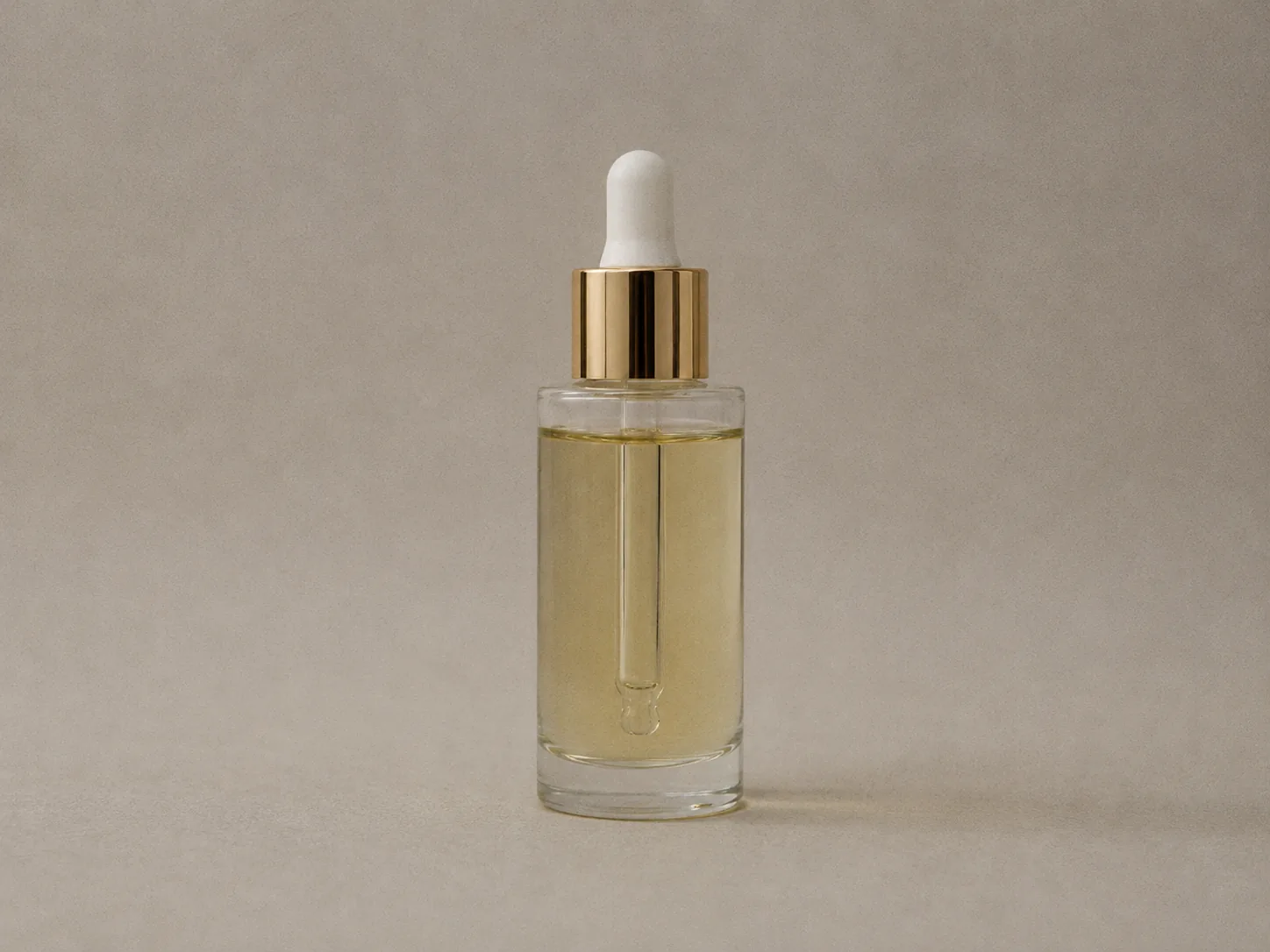
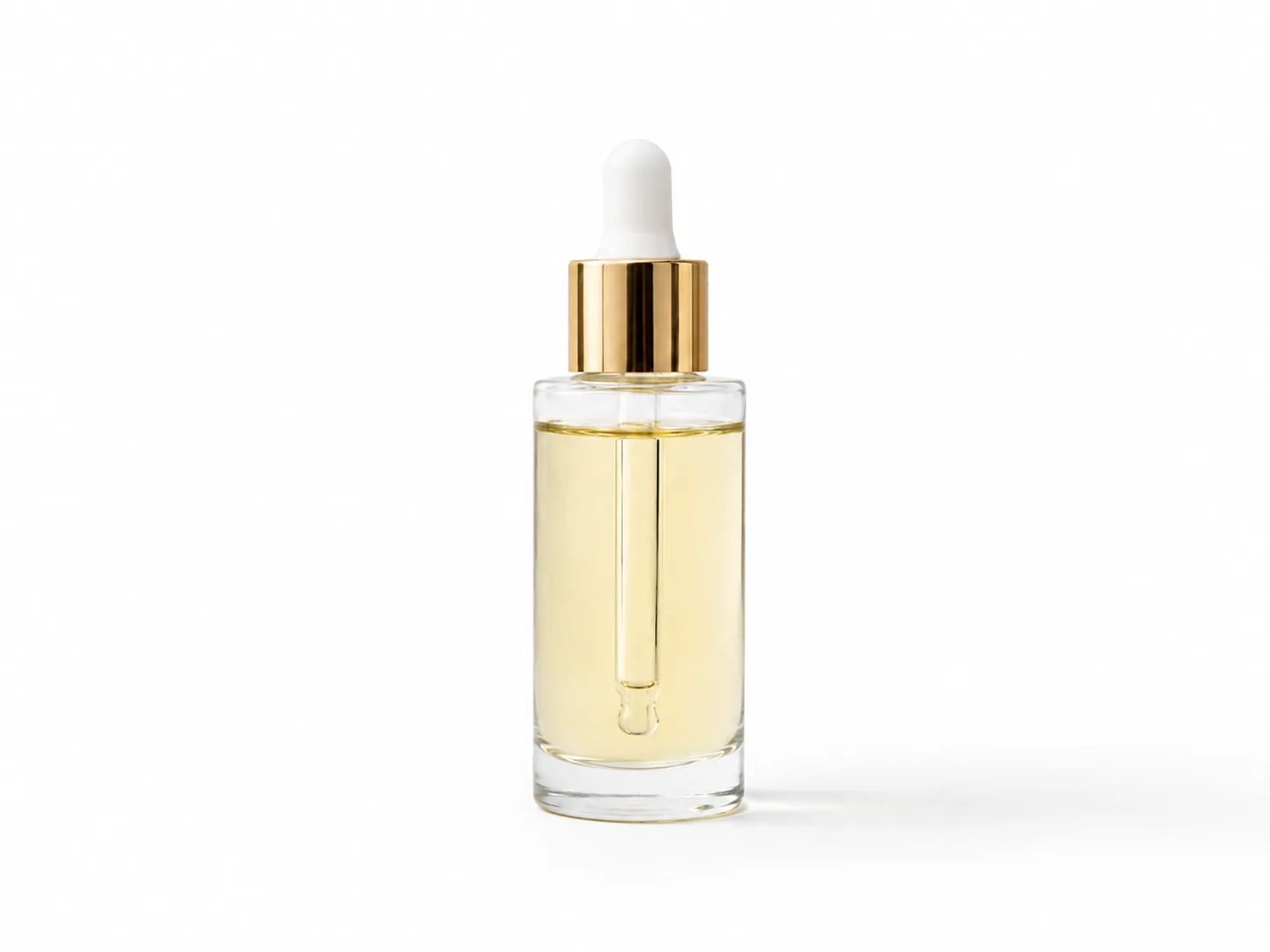
Product photo
Useful for ecommerce images, marketplace listings, ads, packaging shots, and small product details. The enhancer sharpens edges, improves contrast, and makes product photos look cleaner before publishing online. Use the slider to compare the original image with the enhanced result and see how clarity, edges, and detail improve without making the image look artificial.
Photo enhancer vs other ImgEnhancer tools
Pick the right tool based on whether you need overall photo quality, more resolution, or blur removal.
Quick decision guide
Use this short guide if you are unsure whether to start with photo enhance, upscale, or unblur.
Tips for better photo enhancement results
Small upload choices improve how well an AI photo enhancer can enhance photo quality.
Built for private, practical photo enhancement
Upload, enhance, and download without publishing your photos to a public gallery.
Supported formats
Why use this online photo enhancer?
A focused AI photo enhancer workflow for clearer everyday photos without complex editing suites.
AI photo enhancer FAQ
Answers about enhancing photo quality online, supported formats, and what AI can—and cannot—fix.
Learn how enhancement works in the AI image enhancer guide Then try related tools: Start from the AI image enhancer homepage or continue with the AI image upscaler, AI face enhancer when you need larger resolution or closer facial restoration.