AI Upscaler Tool
Free AI Image Upscaler Online
Enlarge low-resolution images online with a free AI image upscaler. Improve visible detail and create clearer files for websites, products, social media, and print.
Powered by the AuraSR model (fal-ai/aura-sr) for image super-resolution and enhancement. Use it for product photos, social media images, old family pictures, print assets, and other low-resolution files.
How to use an image upscaler
Use this free image upscaler online in three simple steps to turn a low-resolution image into a clearer, larger file.
Where image upscaling works best
An image upscaler works best when the original still has visible subjects, edges, or details that AI can enlarge and enhance.
Low-resolution photos
Product images for stores
Social media posts and avatars
Old family photos
Design assets and screenshots
Images prepared for printing
See AI image upscaling before and after
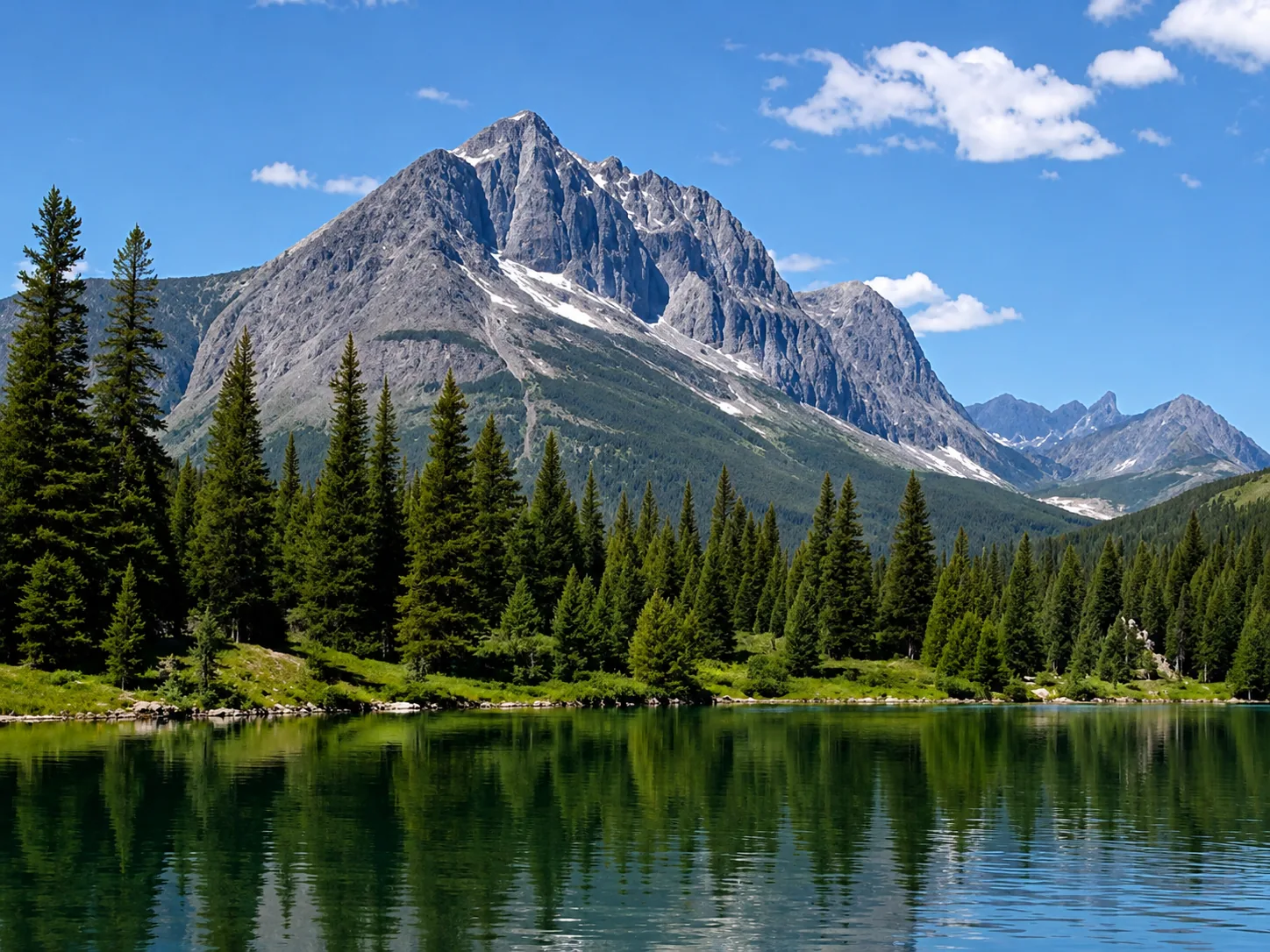
Low-resolution image
Upscale low-resolution files, compressed images, and small web graphics when you need a larger, clearer result. The image enhancer helps recover cleaner edges and more usable detail for sharing or printing. Use the slider to compare the original image with the enhanced result and see how clarity, edges, and detail improve without making the image look artificial.
Why use online image upscaling?
Enlarge low-resolution photos online with AI, improve visible detail, and create clearer files for websites, products, social media, and print.
Image upscaler FAQ
Get quick answers about online image upscaling, what it can improve, and what to expect from larger high-quality output.
Not sure whether to enhance or upscale? Read the AI image enhancement guide for a practical comparison. Need a broader image enhancer workflow? Try the AI image enhancer homepage or switch to the AI unblur image tool for blur-specific cleanup.